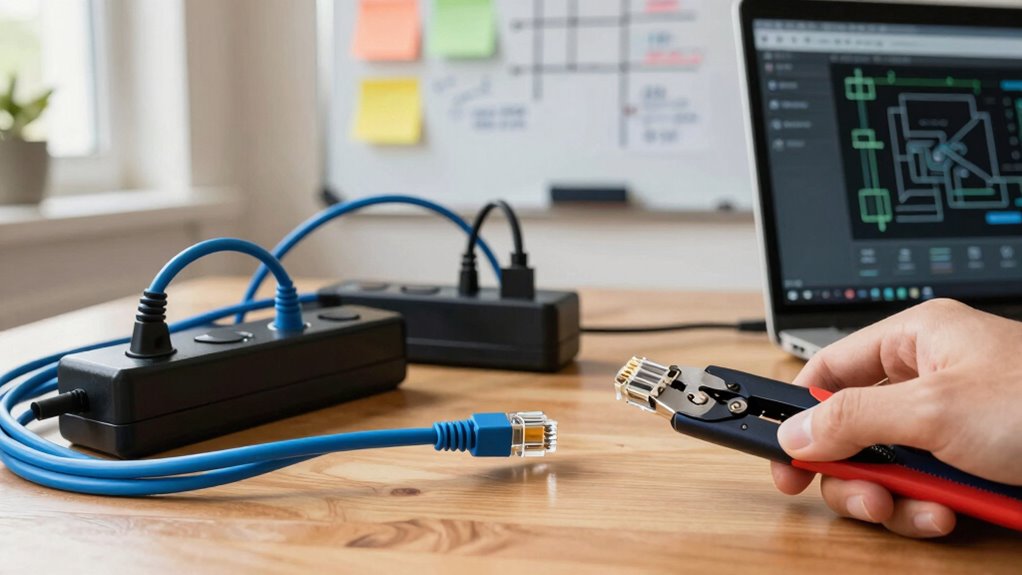

To build a local network before you need one, start by planning your setup with future growth in mind. Choose a simple topology like star, and position your router centrally for good coverage. Secure your network by changing default passwords and enabling WPA3 encryption. Consider running Ethernet cables for high-priority devices and use range extenders or mesh systems for larger areas. Regularly update firmware and document your setup to keep everything running smoothly. Learning these tips will prepare you for seamless network expansion later.

Get the little things that make your day delivered free with Prime
- Fast, free delivery on millions of items
- Prime Video, Amazon Music and more included
- Member-only deals all year
Key Takeaways
- Plan your network topology, choosing a simple star layout for ease of management and scalability.
- Select appropriate hardware, such as routers, switches, and Ethernet cables, supporting current and future needs.
- Configure security settings, including strong passwords, WPA3 encryption, and guest networks for added protection.
- Position routers centrally and run Ethernet cables to critical devices to ensure optimal coverage and performance.
- Document your network design and update firmware regularly to facilitate maintenance and future expansion.
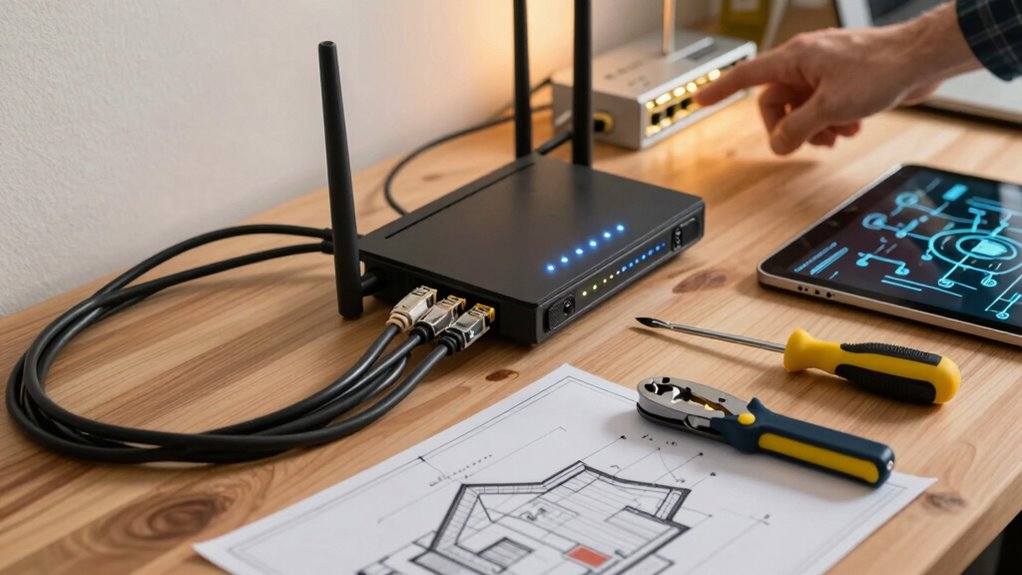
Have you ever wondered how to set up a reliable local network for your home or small office? Starting early gives you the advantage of designing a system that’s both efficient and secure before you actually need it. The first step is understanding the basics of network topology, which is how your devices connect and communicate with each other. You can choose from various topologies like star, bus, or mesh, but for most small setups, a star topology works best. It’s simple, dependable, and easy to troubleshoot—each device connects directly to a central hub or switch. This setup reduces the risk of network failure and makes managing your devices straightforward.
Starting early with network planning ensures security, reliability, and easy management for your home or office setup.
Once you’ve decided on the topology, focus on your wireless security. Whether you’re using Wi-Fi or wired connections, safeguarding your network is vital. Start by changing default passwords on your router and enabling WPA3 encryption, which is the latest standard offering robust protection against hacking attempts. Consider setting up a separate guest network if you often have visitors or devices that don’t need full access to your primary network. This keeps your main devices safe from potential threats.
Planning your network’s layout in advance helps guarantee you have adequate coverage and performance. For wireless connections, position your router in a central location, away from thick walls or metal objects that can cause interference. Use range extenders or mesh Wi-Fi systems if you have a larger space to maintain strong signals throughout. Wired connections should be used for devices that need high bandwidth or low latency, such as desktops or servers. Running Ethernet cables in advance will save you trouble later, especially if you’re setting up a permanent office.
Considering future expansion during the initial setup can save you headaches down the line. Select a router with enough ports and support for modern standards. Keeping your firmware updated regularly is essential for network security and improving stability. It’s also wise to document your network design and configurations, so you understand how everything connects and can troubleshoot more efficiently in the future. Additionally, understanding network topology can help you optimize your setup for both performance and scalability.
In essence, building your local network before you need it involves careful planning of your network topology, prioritizing wireless security, and preparing for growth. By doing so, you create a resilient, safe, and scalable system that’ll serve you well when you finally turn it on. Taking these steps now saves time, safeguards your data, and guarantees your network runs smoothly when it’s most needed.
Wi-Fi 6 router with WPA3 encryption
As an affiliate, we earn on qualifying purchases.
As an affiliate, we earn on qualifying purchases.
Frequently Asked Questions
How Often Should I Update My Local Network?
You should update your local network whenever you notice performance issues or security vulnerabilities, but at least once a year, especially if you’re using outdated wireless standards. Regularly review your network topology to guarantee it’s efficient, and upgrade your hardware to support newer wireless standards like Wi-Fi 6. Staying current helps improve speed, security, and reliability, so don’t wait until problems arise to make updates.
What Security Measures Are Essential for a Local Network?
Protecting your local network is like locking your front door—essential and reassuring. You should enable network encryption to secure data transmissions and set up access controls to restrict who enters. Regularly updating passwords and firmware further strengthens your defenses. By implementing these security measures, you create a safer environment where only trusted devices and users can connect, ensuring your network remains private and resilient against potential threats.
Can I Set up a Network With Limited Technical Knowledge?
Yes, you can set up a network with limited technical knowledge. Start by choosing a simple network topology, like a star, which is easy to manage. Use user-friendly wireless standards like Wi-Fi 5 or Wi-Fi 6 for reliable connectivity. Follow basic setup guides for your router, and make sure your devices connect correctly. With patience, you’ll establish a functional local network without needing advanced technical skills.
What Hardware Is Necessary for a Reliable Local Network?
To build a reliable local network, you need essential hardware like routers, switches, and Ethernet cables. Make sure your network topology suits your needs—star or bus are common options—and check hardware compatibility to prevent issues. A good quality router provides stability, while switches expand connectivity. Keep all devices compatible and updated, and choose reliable brands to avoid future problems, creating a robust, efficient network ready when you need it.
How Do I Troubleshoot Common Connection Issues?
Think of your network as a garden; troubleshooting is like tending to it. First, check for wireless interference, like other devices or thick walls blocking signals. Make sure all your devices are compatible with your network hardware, updating firmware if needed. Restart your router and devices to reset connections. If issues persist, test with different devices or relocate your router to improve signal strength. Consistent care keeps your network flourishing.
Ethernet cable kit for home networking
As an affiliate, we earn on qualifying purchases.
As an affiliate, we earn on qualifying purchases.
Conclusion
In the end, building your local network is like planting a sturdy tree—you’ll enjoy its shade and fruits when you need them most. By planning ahead and setting up your connections now, you’re laying a solid foundation that will support your digital needs down the road. Don’t wait for a storm to find shelter; be proactive and nurture your network today, so it’s ready to catch you when the winds of change blow.
mesh Wi-Fi system for large areas
As an affiliate, we earn on qualifying purchases.
As an affiliate, we earn on qualifying purchases.
network switch with multiple ports
As an affiliate, we earn on qualifying purchases.
As an affiliate, we earn on qualifying purchases.
NFL season / tailgating Picks
team gear
As an affiliate, we earn on qualifying purchases.